




Welcome to the Audi Owners’ Club
An Independent community!
Membership is completely free, and our community is built by owners and enthusiasts, for Audi Owners. We’re a proudly independent, non-official club, so all the help and opinions you’ll find here come directly from members with real experience of Audi ownership.
Join the club now!
Free membership Built by owners, for owners
-
Real community Owners · Real experience
-
Discuss Get help · Share knowledge
-
Modify Build · Improve · Enjoy
-
Less Ads Cleaner browsing
Popular Topics This Week
-
Hello everyone. I’m a new member. David from Cornwall I’ve owned a lovely 2 ltr quattro turbo 2011 tfsi auto. Cabriolet, for the past 6 months. Very low mileage of 46500 miles. Been stored for a few years before I got it. I love it. Drives beautifully. It’s had an oil light issue from the start. Put a litre in -light goes out but it goes on again within in 50 miles. It’s been into several engineers none of whom can find any issues with it. It runs like a dream and sailed through the mot a few we
-
Hi, asking for a friend, looks like his Q8 is in need of a new engine, it's a 21 plate 3 lrt tdi v6 with 54k on the clock. Audi don't want to know as it's 3 year warranty is finished. He pointed out that the warranty was 3 years or 60k. If they don't help any ideas on how much it would cost to replace. Thanks
-
Hi guys, I'm new to this forum and would appreciate any, help with my battery problem. I replaced the battery on my car about 1 year ago and all appears ok when I drive it daily, however following 4 days of no use the lights on the dash came on and the orange battery warning light appeared, I tried starting the car but not enough power to get it started. I used my friends booster charger and it started straight away and was ok for the rest of the day. I didn't use the car for three days after th
-
My Audi A3 passenger headlight has gone yellow. Can anybody help fix it or put me onto somebody that?
-
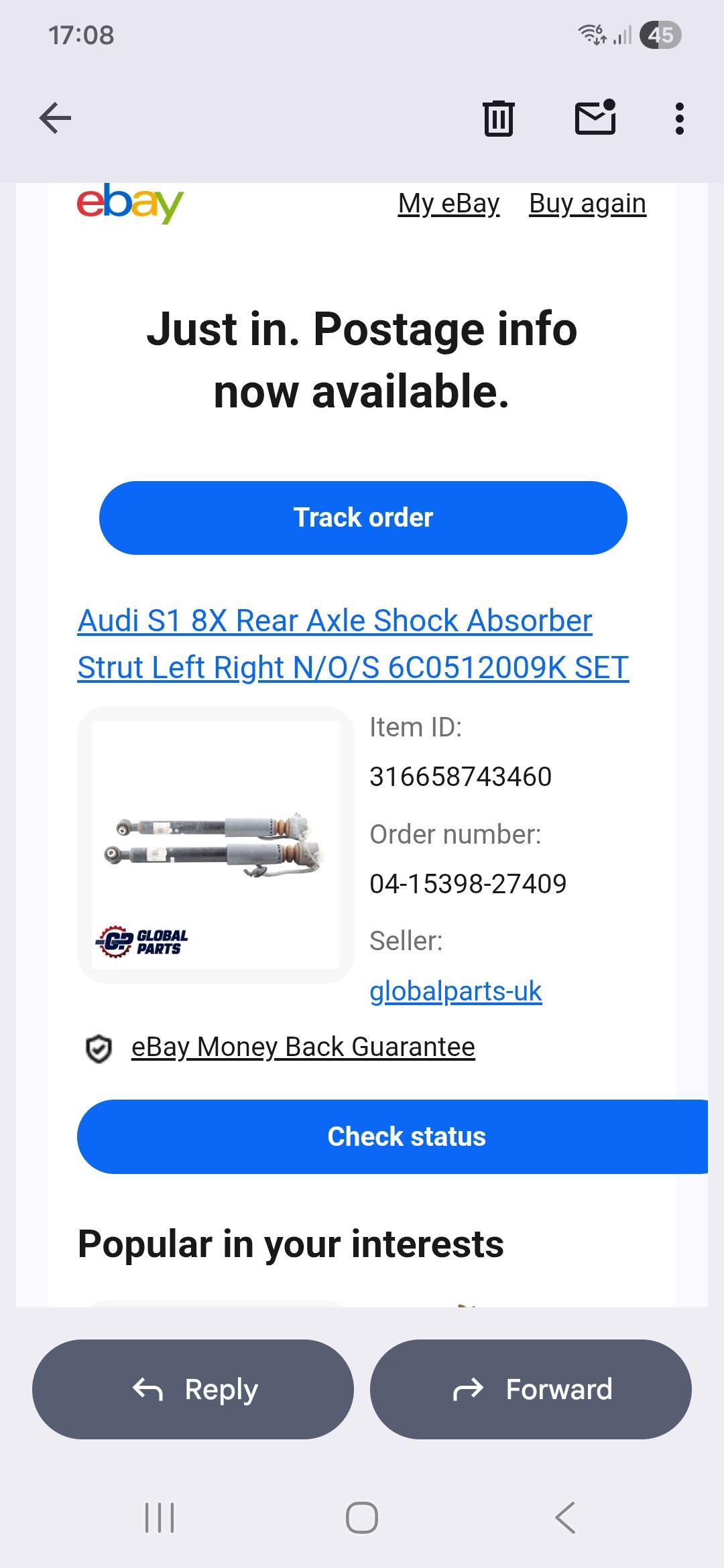
My lad recently bought an S1 Quattro and has noticed a slight creak and since then a slight leak from the drivers rear shock. We are having a nightmare trying to locate a replacement... anyone have any ideas? We have tried dealerships, ebay, and local garages... just wondered if anyone has had a similar experience...



Audi Forums Live Now
-
Hi all, Hoping someone's had this before. I've got a 2013 A6 Avant Black Edition (C7 pre-facelift) with RMC Nav Plus, software RMC_EU_P12321, and the Bose sound system. I've fitted a 12.5" aftermarket CarPlay screen using the RMC harness ("11-18 A6 RMC") and followed the manual exactly. I've refitted it twice and checked every plug and pin. What's happening: The CarPlay side works fine. When I switch to the Audi screen, the logo loads, the MMI menu shows for a split second, then it cuts out as if it's gone to sleep. The MMI control panel by the gear stick no longer lights up at all. The scroll wheel works briefly, but there's no volume or other MMI functions. Every other button in the car lights up as normal. The airbag light has come on since the install. What I've tried: Resolution set to MMI 3G 400x240, which gives a full picture, with Force OEM Full Screen on. Put the original harness back in with everything else back to factory, and still no controller lights. They came on for a second, then went off again. Reseated all plugs, checked the climate panel connection, and done full lock-up resets. What I'm wondering: Could this be a break in the MOST fibre optic ring, or a fibre plug not seated properly at the back of the head unit? Could the battery have gone low during the install? Or does something need coding? Any ideas appreciated. I'm in South Wales if anyone local knows a good installer. Cheers, Kole
-
Hi all, Hoping someone's had this before. I've got a 2013 A6 Avant Black Edition (C7 pre-facelift) with RMC Nav Plus, software RMC_EU_P12321, and the Bose sound system. I've fitted a 12.5" aftermarket CarPlay screen using the RMC harness ("11-18 A6 RMC") and followed the manual exactly. I've refitted it twice and checked every plug and pin. What's happening: The CarPlay side works fine. When I switch to the Audi screen, the logo loads, the MMI menu shows for a split second, then it cuts out as if it's gone to sleep. The MMI control panel by the gear stick no longer lights up at all. The scroll wheel works briefly, but there's no volume or other MMI functions. Every other button in the car lights up as normal. The airbag light has come on since the install. What I've tried: Resolution set to MMI 3G 400x240, which gives a full picture, with Force OEM Full Screen on. Put the original harness back in with everything else back to factory, and still no controller lights. They came on for a second, then went off again. Reseated all plugs, checked the climate panel connection, and done full lock-up resets. What I'm wondering: Could this be a break in the MOST fibre optic ring, or a fibre plug not seated properly at the back of the head unit? Could the battery have gone low during the install? Or does something need coding? Any ideas appreciated. I'm in South Wales if anyone local knows a good installer. Cheers, Kole
-
Used to have an A3 2.0 tfsi (haldex quattro) back when I used to post here, which was changed to a 330D xDrive 10yrs ago. Great car but coming up to 11yo and major servicing in the next 10k miles. That, plus the orange loon keeps causing havoc in the world so what used to be a £70 diesel fill up has morphed into a £105 one 😮. Also, wasn't very practical (rear seats didn't fold) and needed more space with a young family. Have therefore decided to go all-in for a full BEV and am a proud owner of a brand new Q6 Quattro. Still getting used to the increased width for manoeuvring and instant torque when driving but currently am a very happy bunny. ......so I'll be posting again as I get to grips with it 😁
-
Hi All We can confirm our seasonal opening hours will be as follows: Up until the 18thDecember: Normal hours. Saturday 19th December: Closed Sunday 20th December: Closed Monday 21st December: 9.00am – 3.00pm Tuesday 22nd December: 9.00am – 3.00pm Wednesday 23rd December: 9.00am – 3.00pm Christmas Eve: 9.00am – 3.00pm Christmas Day: Closed Boxing Day: Closed Sunday 27th December: Closed Monday 28th December: Closed Tuesday 29th December: 9.00am – 3.00pm Wednesday 30th December: 9.00am – 3.00pm New Years Eve: 9.00am – 3.00pm New Years Day: Closed Saturday 2rd January: Normal Hours Resume. Regards, Dan.
-
Delivered this morning and fitted... working a treat. Not much of a choice really though, Audi UK and Germany have nothing in stock and couldn't give me any idea when they would be. Plus I got two for a 3rd of the price of one! No brainer


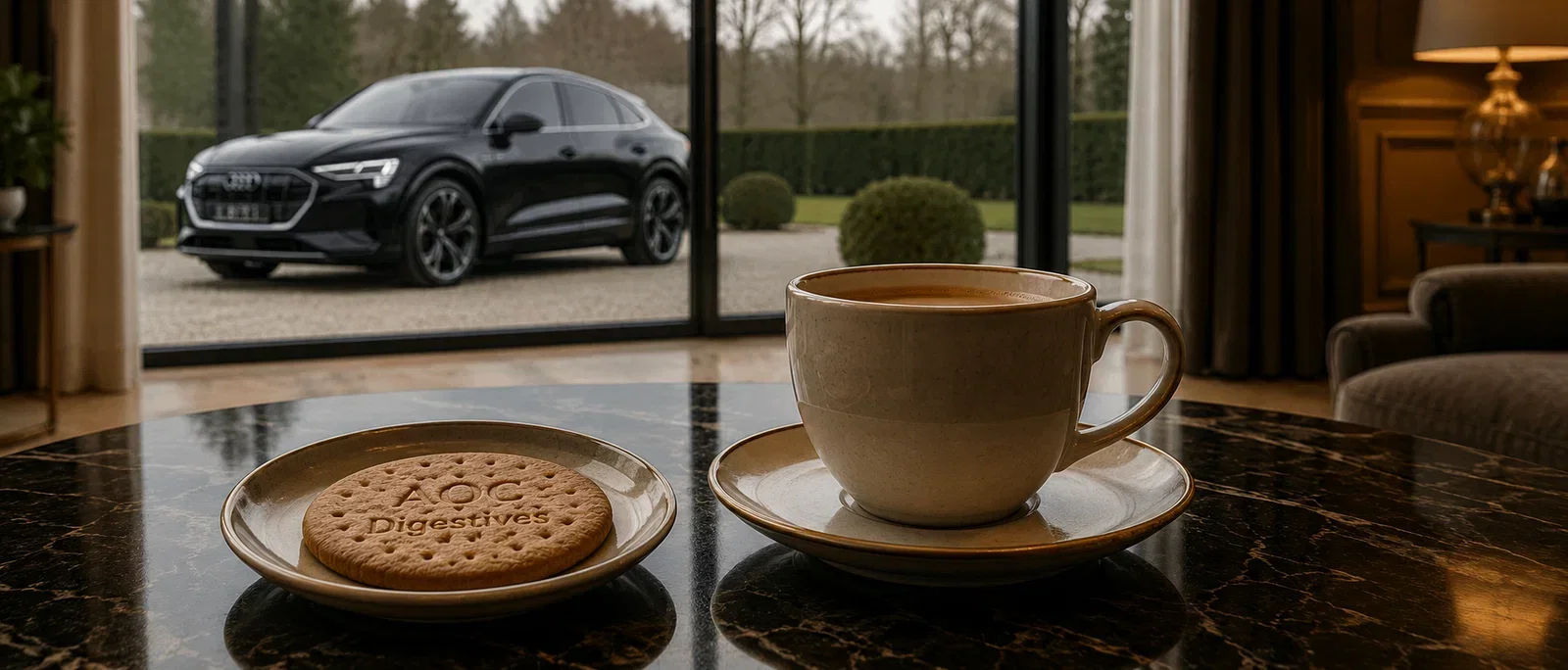
The Digestive
-
The Digestive - Forum Roundup (October 2026) As we wrap up October, let’s take a moment to review some of the highlights from our forum discussions this month, showcasing the support and camaraderie that make our club so special. Starting off, the Audi A4 (B9) Forum saw a significant conversation around a "brake servo restricted" warning raised by Stevie84. This prompted many members, including A-D and Danboy1973, to share their own experiences, revealing a concerning trend with 26 owners facing

Albums
-
- 35 images
By AOC Admin -
- 8 images
- 1 comment
By Bernard Courts -
- 8 images
- 1 comment
By Rwalsh -
- 5 images
By Delios -
- 4 images
- 1 comment
- 1 image comment
By wheelnutman -
- 35 images
By Felixwiskers -
- 5 images
By Bennyboi -
- 19 images
By Scott G555 -
- 3 images
By Jake_a38v
Member Statistics
- 48,944 Total Members
- 2,913 Most Online
-
CharGarS4 Newest Member ·
